
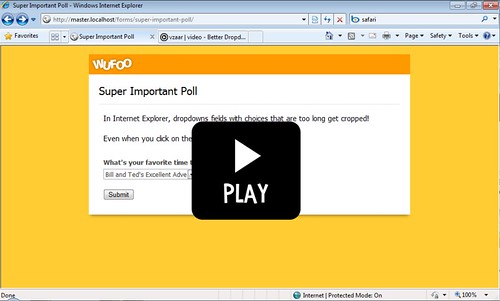
Ever run into the problem where you’ve got a lot of text you’re using for the choices in your dropdown field, but it’s getting cropped in Internet Explorer? Well, we made some changes to Wufoo forms to fix this and made [a little video](http://vzaar.com/videos/100498) to show the new feature off. Enjoy!
Comments
Woohoo! I requested that feature a few months ago!
Posted November 5th, 2009 by Nick Ciske.Nice. Thank God for small victories 🙂
Posted November 5th, 2009 by Javier Lopez.Thank you!
Sweet! any chance you guys can spill the beans on how this is done so us common folk that still need to deal with some old school forms can implement it?
Posted November 5th, 2009 by Vin.Everyone needs a hug.
Kernel Linux 2.6.31
Gnome 2.28.1
Ubuntu 9.10 Karmic Koalac
Can not to play the video.
Posted November 5th, 2009 by Adrian.Everyone needs a hug.
Good Job…Conditional Formating NEXT!
Hahaha.
Posted November 5th, 2009 by Jorge Morales.Sweet.
Posted November 5th, 2009 by Mike.Small feature, but brilliant demo video.
Posted November 5th, 2009 by Boris Masis.Not only did the demo video make your point, the unexpected music made me smile and revved up the engines… nice way to start the day!
Posted November 5th, 2009 by Sue.